
I’ve been pretty happy with my discovery of using archive.today as a means to jump and read stuff hidden behind subscription and paywalls even niftier with my bookmarklet tool.
Knowing that its likely to be ripped down, I accepted it was to maybe be shortlived as Publishers have to bucks and the muscle, as reported here
I have also heard from two different people in Italy, that archive.today (and all its variant domains) is blocked country-wide in Italy due to claims it harbors pedophilia information.
Just this week, I was chasing down a link found in the flickr comments of one of those curious public domain images – a commenter shared a New York Times link to a 1912 story that looks like it gave some background on the image that is BOOM, paywalled. Again, why is a 113 year old news story need to be kep under wraps? Shrug.
But a bigger BOOM as I got this message in my browser.
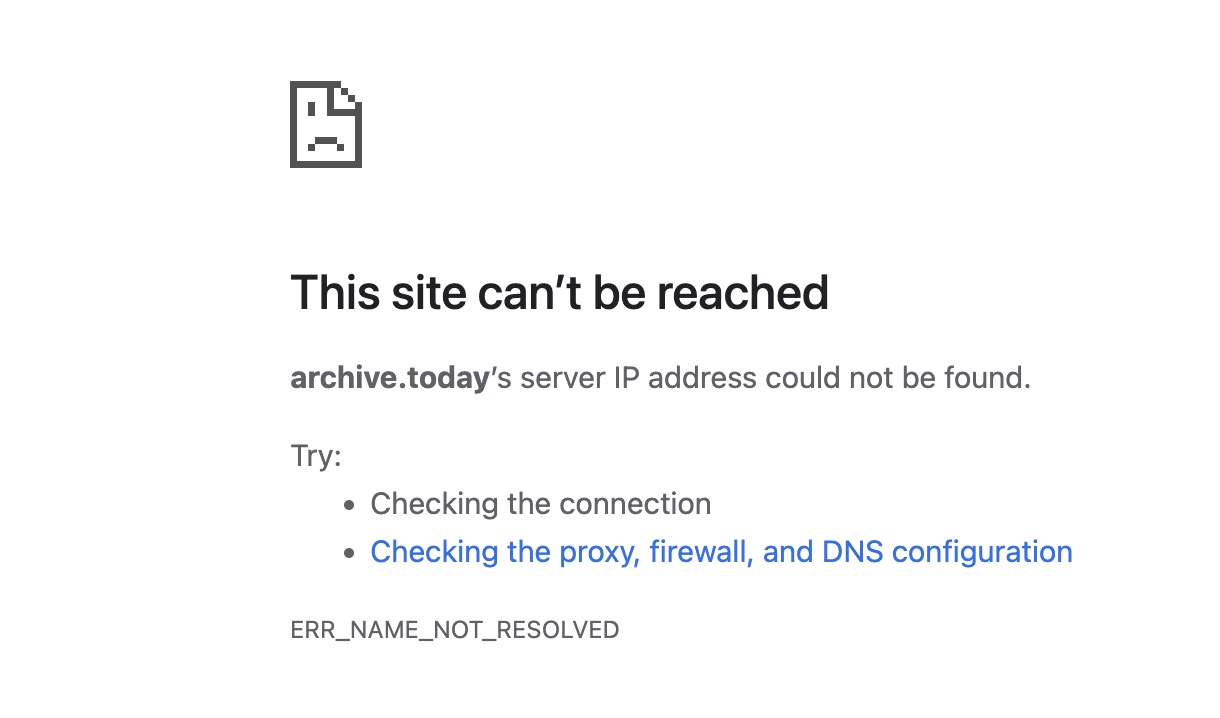
As I read in 404 Media that the FBI was trying to close down the domain registrant, I just figured that they had finally clobbered Tucows into submission. I tried a few “down detector” sites that provided different results.
Upon sharing in Mastodon, I got the usual “it works for me” messages, so I dug in to investigate. Several times.
First rule out the easy. I restarted Chrome. I deleted browser cookies and cache. No dice. Then I dug in to my notes– nah I googled it and actually got the right command in an AI summary, I did the OSX terminal thing to flush the DNS cache on my machine.
Still no dice.
Then I thought of what I missed at first, maybe it’s a Chrome problem? So I opened Firefox, and sure enough archive.ph just opened fine.
It’s a google thing. More searches. I then found this obscure way to get to google settings for DNS or chrome://net-internals/#dns As I had read in my searches, that Google Chrome does not use the DNS cache on my Mac, but it’s own. So I clicked the Clear host cache button.
Still no dice, no change, nada.
I even used the domain lookup and found, indeed, Google Chrome cannot find a URL that the rest of the internet (except Italy) can.
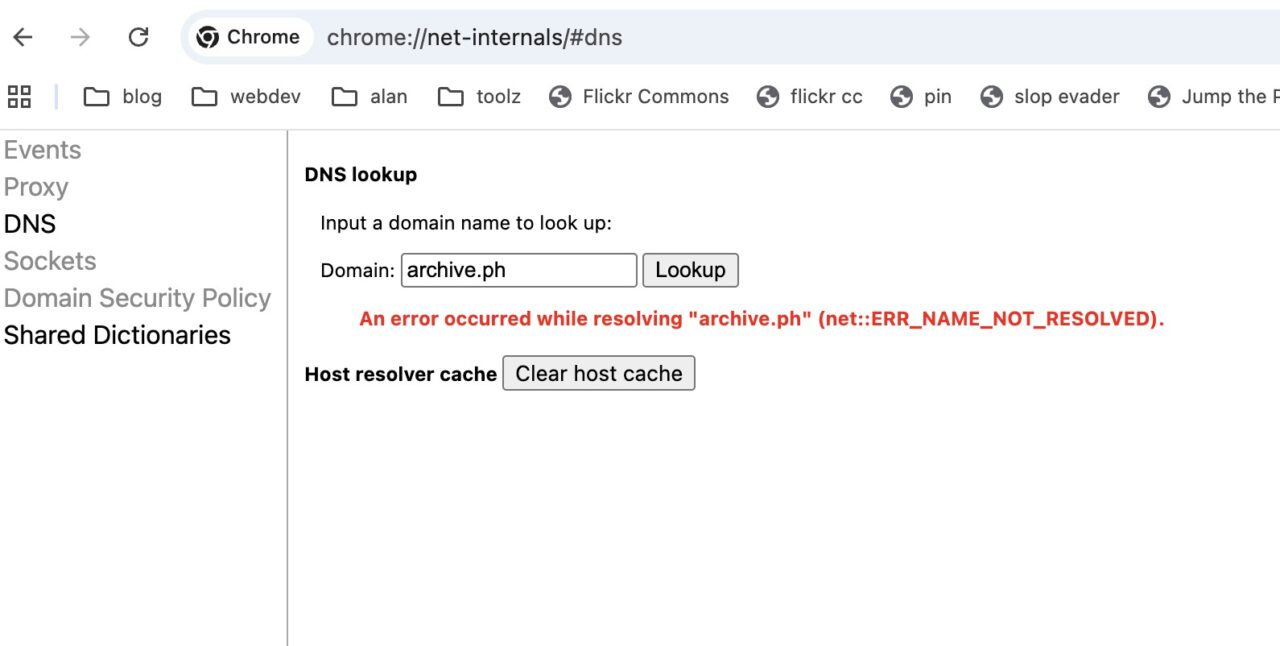
Now I do a google search on something like google chrome not resolving domain name but firefox is and I am still wondering if I am using the wrong Google because everyone else says it does not work. And again, with begrudgingly doom, in the list of suggestions of the AI summary, I find… whell maybe it was another search, but I find a reference to another obscure google settings under security chrome://settings/security?search=dns for Use Secure DNS which was turned on, but the menu below was set to Add Custom DNS Provider. The link I found suggested setting that option to Cloudflare (1.1.1.1)

And one more BOOM! and I am back in the paywall jumping business.
Now I am fully prepared for all the fingerwagging about Google Chrome, and yeah I should jump ship, though with Firefoxes going deep in AI I might have to look at One of the Others. My hestitation is I have all my extra things set up, my search shortcuts, my bookmarklets.
Yes, poor excuse.
But still I have to wonder how a typical CHrome user would ever be able to figure out, much less find, these obscure settings. So Chrome has its own DNS cache but to make it work I have to use Cloudflare? I actually have no idea what is happening, I just search and change settings til stuff works.
You gotta find all the secret doors and tips written in rune style riddle and ask for help. One of those might open the door.
Now I am paywall jumping again. While the party lasts.
Thanks to @stevefoerster, @kini, @koutropoulos, @Downes, and @etp for chiming in!
Update
Indeed I was scolded by certain all knowing entities for using the evil Chrome. I ma reading up now on Vivaldi as there seems to be Firefox resentment.
But until then I found another small gem to address this issue on my iPhone which was giving me also errors on resolving archive.ph et all. I combed all the settings but could not locate the same settings.
What did help was a tip to flush the DNS on iOS which is so simple – put it into Airplane mode and the flick it off.
Issue fixed!
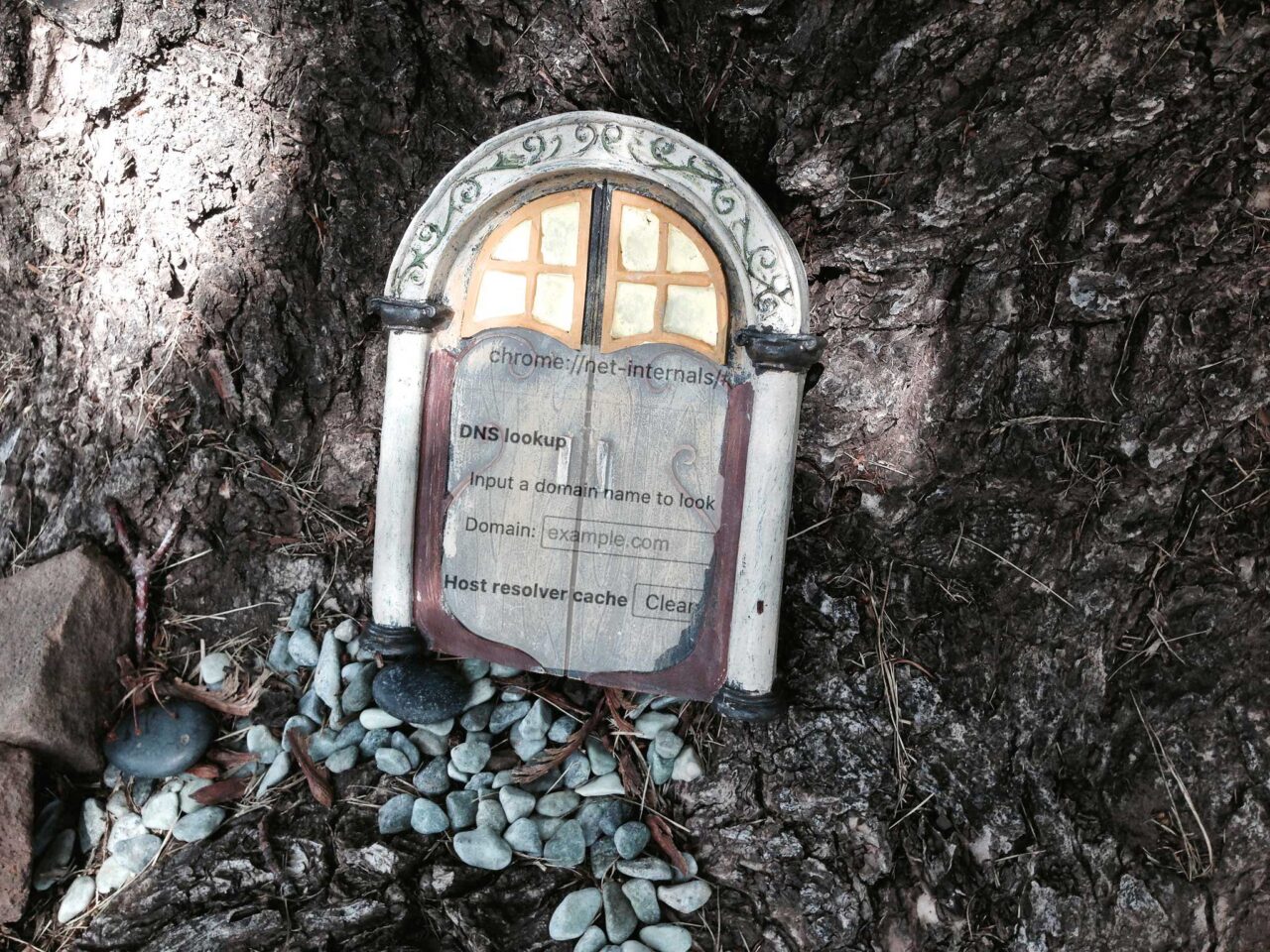
Featured Image: Door to a Secret World flickr photo by cogdogblog shared under a Creative Commons (BY 2.0) license modified by me to overlay a screen shot of the obscure google settings on the door, all done in Photopshop with old school masking, rotating, and opacity fliddling.
 Share this barking on social media
@barking This blog comes with a thanks to @stevefoerster @kini @koutropoulos @Downes @etp
Remote Reply
Original Comment URL
Your Profile
Why do I need to enter my profile?
This site is part of the ⁂ open social web, a network of interconnected social platforms (like Mastodon, Pixelfed, Friendica, and others). Unlike centralized social media, your account lives on a platform of your choice, and you can interact with people across different platforms.
By entering your profile, we can send you to your account where you can complete this action.
And the ActivityPub socialz!
@barking I hope others will benefit.
Remote Reply
Original Comment URL
Your Profile
Why do I need to enter my profile?
This site is part of the ⁂ open social web, a network of interconnected social platforms (like Mastodon, Pixelfed, Friendica, and others). Unlike centralized social media, your account lives on a platform of your choice, and you can interact with people across different platforms.
By entering your profile, we can send you to your account where you can complete this action.