
For a really long time I kept a browser tab open with an image I had chosen first to write a blog post (yet to be written). The tab was opened in the early days of what looks now like such crude AI image generators, Craiyon and the very first DALL-E stuff.

One of the main reasons I am avoiding the herd who jump to GenAI to spawn their images, is that I find the process of combing through photography to find something that works as a visual metaphor, not a weak attempt at literal depiction. But that feels like my solo crusade.
But in 2023 I was reading and summoning my cynicism for those miraged ideas of some software that will magically take an image ot a chunk of writing, churn it trough the gears, and spit out an affirmation if it is GenAI made or not. Lots of folks still chasing that rabbit around the track.
Here I am on a different track. In this case a bit from The Reverend’s barbed comment to my Dogroll in Space Daily Create writeup
did you use an AI-enhanced tool for this? Where has all the creativity gone on this blog, damn. I expect for from you, dog.
https://cogdogblog.com/2025/11/dogroll-in-space/comment-page-1/#comment-1295127
Now of course, we all know (right) that a Bava insult is a form of love (amiwrong?) but what doth he mean by “an AI-enhanced tool”?
You see the whole thing about this shebang is the Blacked Boxness of it all, from the big earth sucking mega corps down to a … toothbrush?
It was about a year ago when I was looking to update my worn out electric toothbrush, I was floored by te display in our local drugstore

What does it mean for a toothbrush to have AI? How do you know? The AI-ness is not discernable, and maybe its just two letters slapped on a package.
But the “AI-enhanced tool” Jim is tossing accusations about is none other than my graphic workhorse, Photoshop. I know it has AI “stuff” in it, but I’ve not looked much further. Yet… I still have been finding a use for the button that reads “generate”, just to extend proportions of images to fill a desired aspect ratio.
One of the earliest uses I remember was creating the image I use as the header of my Mastodon profile (indeed something mission critical), of course wanting one of the maybe thousands of photos of my pal Felix, but also the land where I live now in Canada. This one felt right. That’s how it works, the gut speaks.

Great photo, but the aspect ratio for a header image is very much wider than this, and cropping would ruin it. So I loaded the original in Photoshop, and did the thing where I make the canvas a desired width, select the edges of the photo extended into the blank space, then click… Generative Fill.
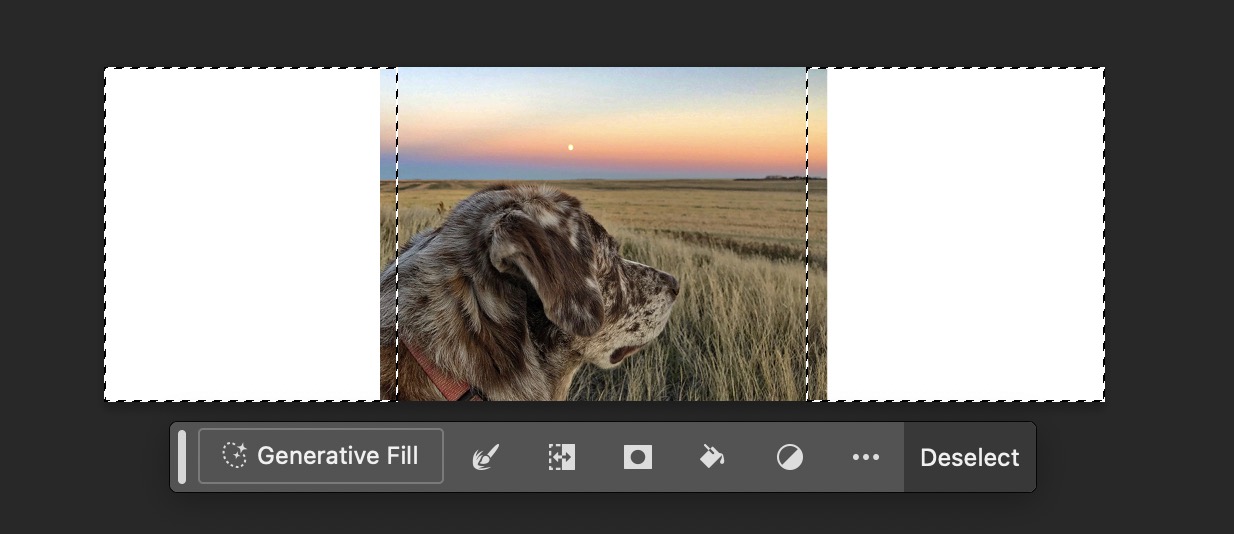
What exactly is it doing with it does Generative Fill? Does 5 Gb of the Photoshop app include an LLM? Is it communicating out to do the generation? Does anyone know? Photoshop has had Context Aware Fill for a while and a few folks have compared them. But the technical explanation seems to be run through a Gaussian Blur, there’s mention of Adobe Firefly and diffusion algorithms.
But as AI goes, there is no tangible peek inside the magic box, it’s just apes clanging bones on the obelisk. Regardless, I am pleased with the result.
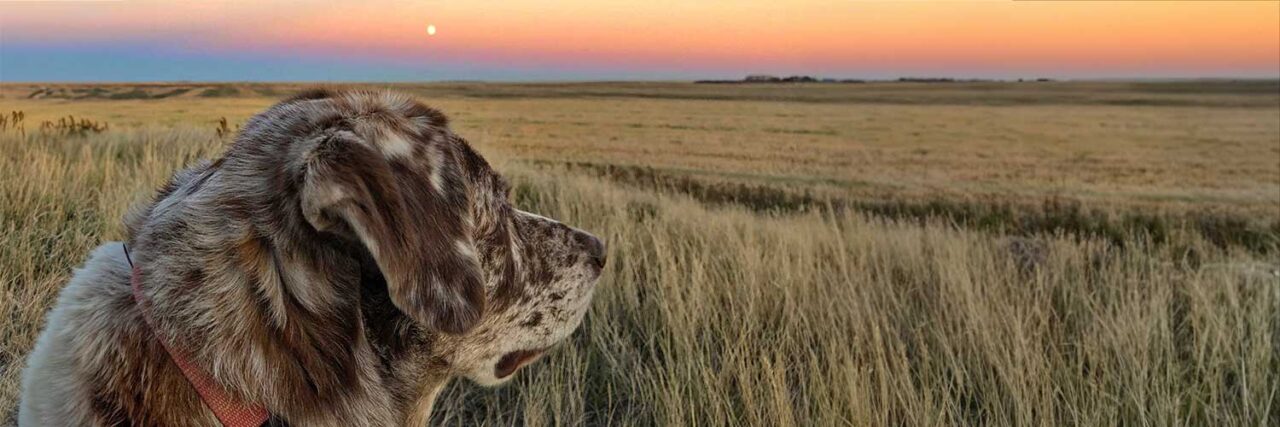
I’m quite pleased with this, and its cleaner than my old method of using the clone brush. But how is this done? Is it using all the stolen art as a basis? Is it full of pixel bias? Is this AI or not? Does it matter? Am I complicit now in the AI game, have I violated my soul?
Recently I reached for this several times in setting up the individual winnes of the OEGlobal Open Education Awards. Often the photos I was able to find or get are square or even portrait aspect ratio, and they best display at a landscape one. I ended up doing this trick, make the canvas a desired width, highlight just the edges, and generate some background fill. It works better than a bad automatic crop.
Thus I put some more of this into play in my write up of a response to the Daily Create.
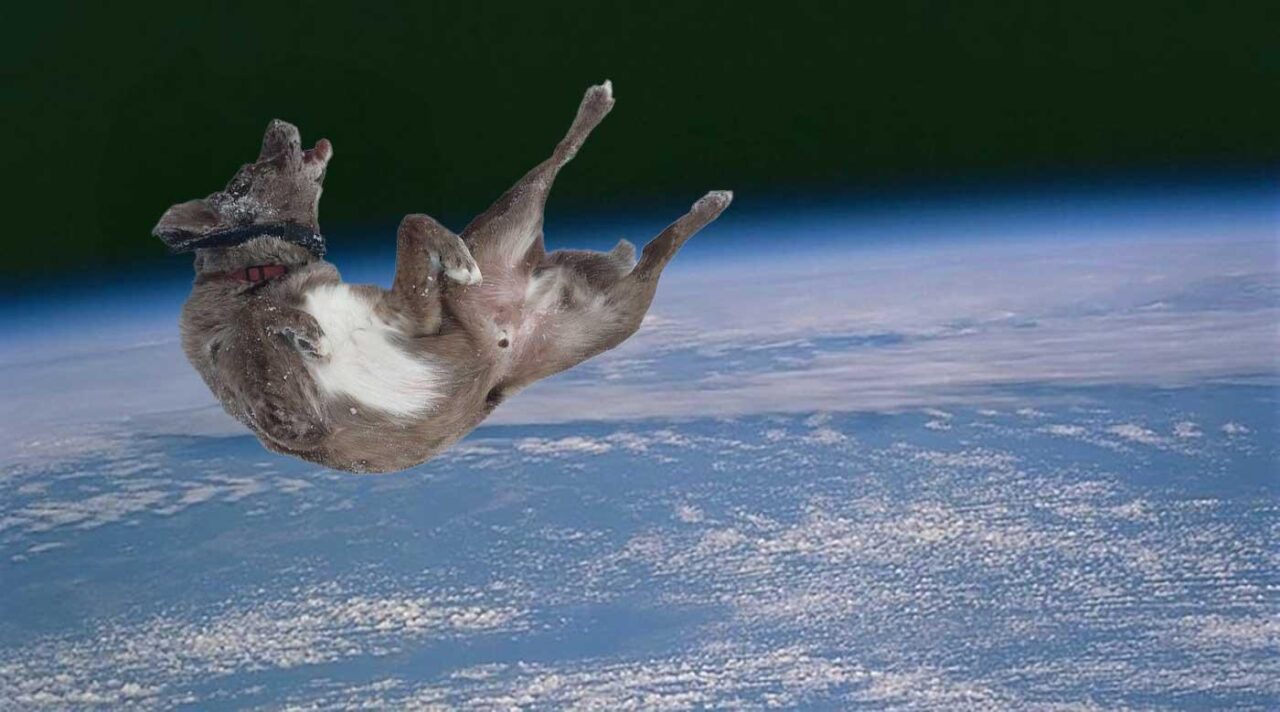
In this case, I did a variant of generative fill, I lasso selected just around the wikipedia logo in the original image, and used Generative Fill to more or less erase it. It gave me a cleanb background of the earth from space, that I could then insert Felix rolling around.
GenAI or not? Terrible?
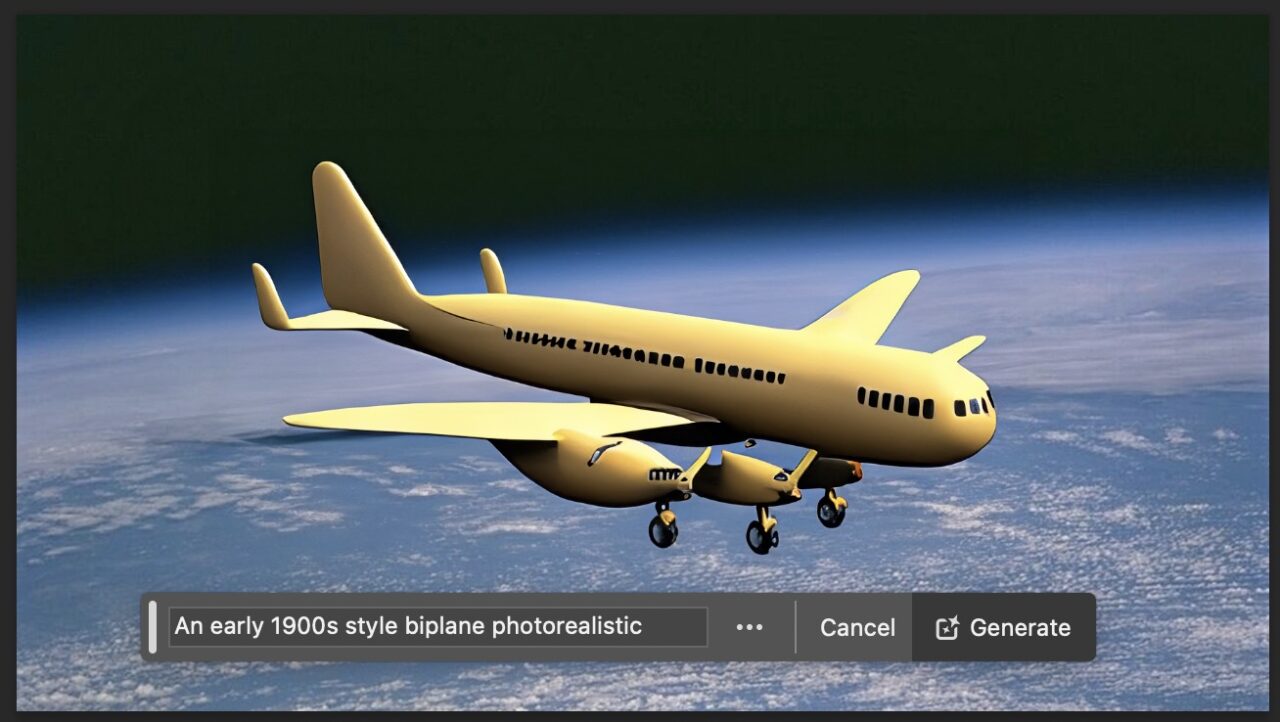
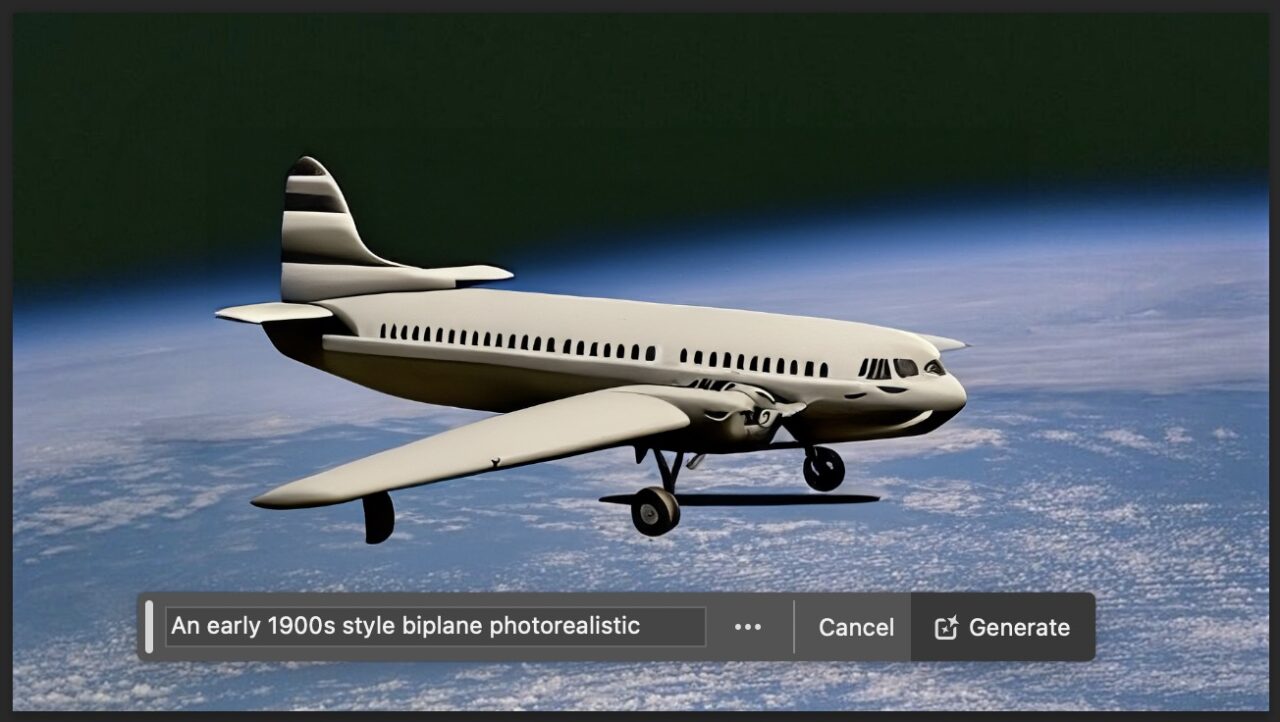
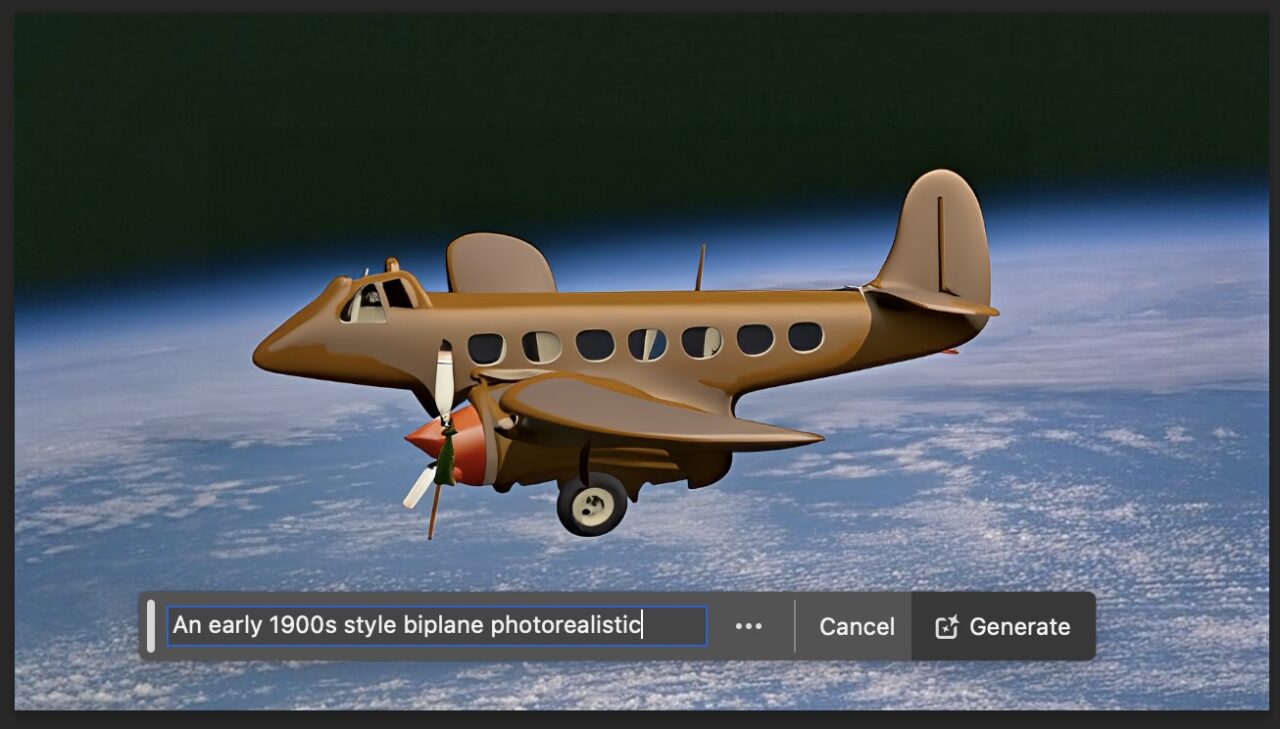
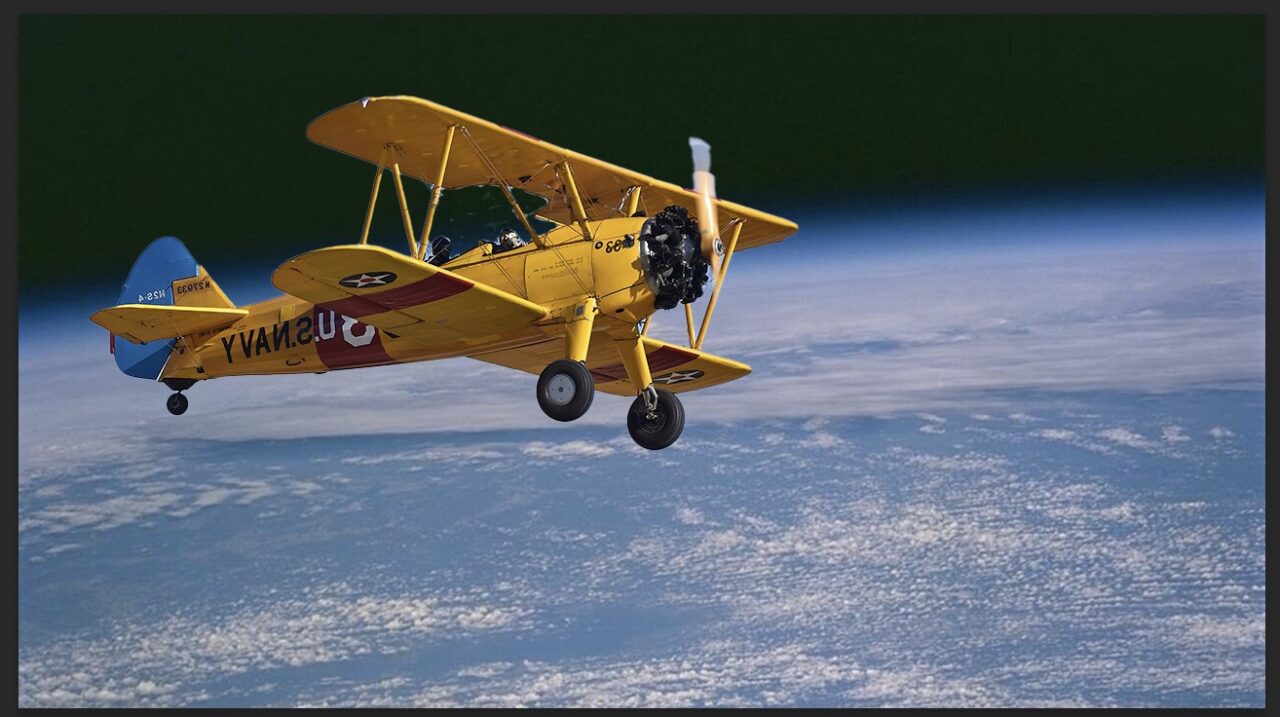
What I never try or do is have it create image elements for me, but I wondered how well it could do… maybe put like an early 1900s biplane in orbit? I asked it to generate “An early 1900s style biplane photorealistic” – that is pretty clear?
Look at what it generated, gaaaaak. Is a “biplane that hard to generate?” Is my prompting that awful? I hope so.
Maybe its better to generate something truly cartoonish. In my feeling of defeat, I asked for “
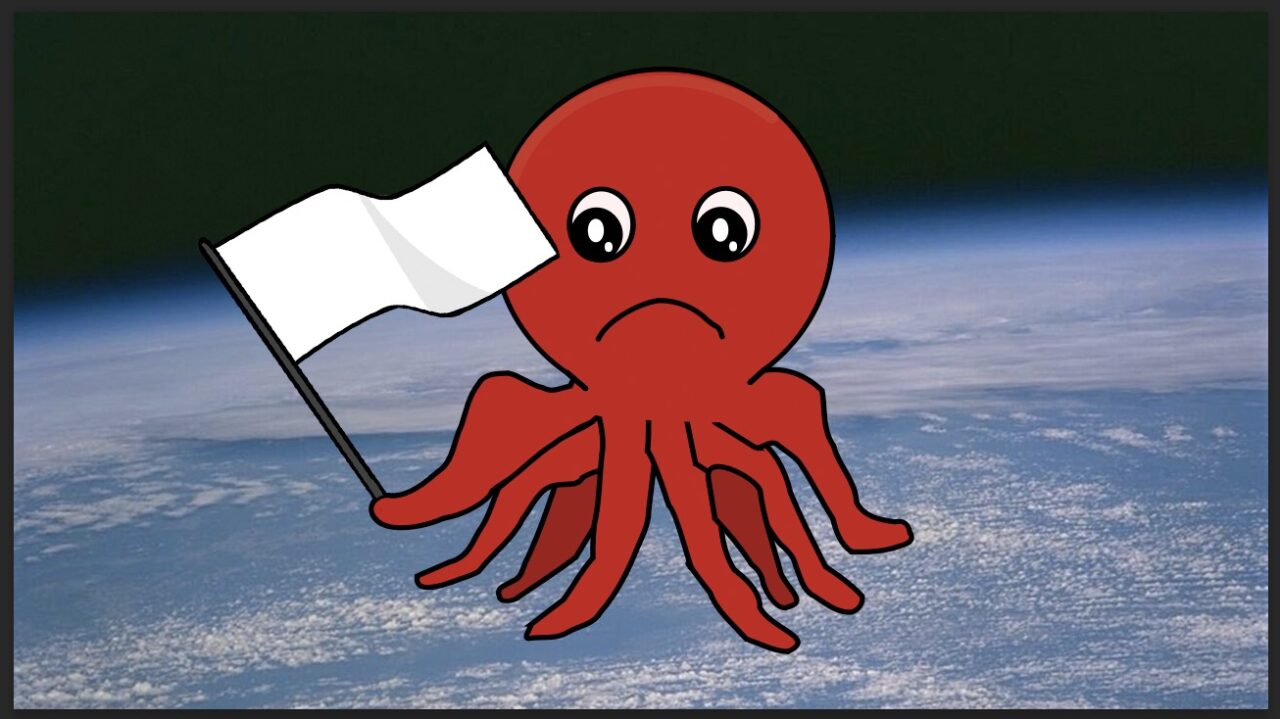
Cartoon style sad face octopus with one arm holding a white flag of surrender.” Look at this “art”
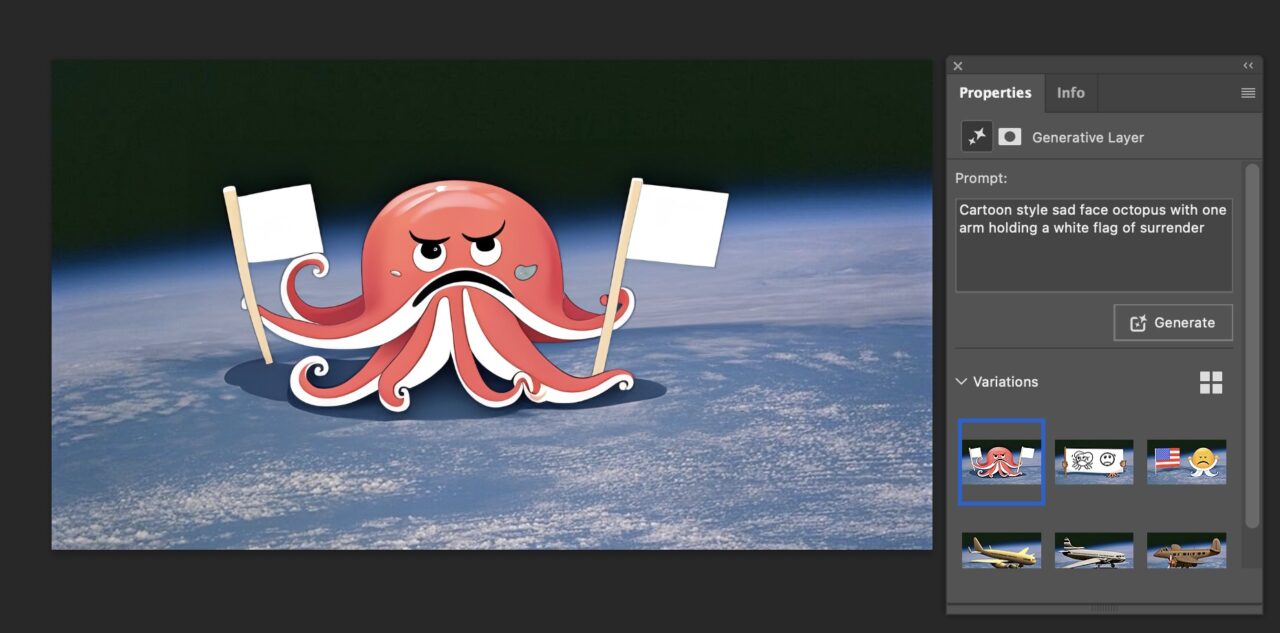
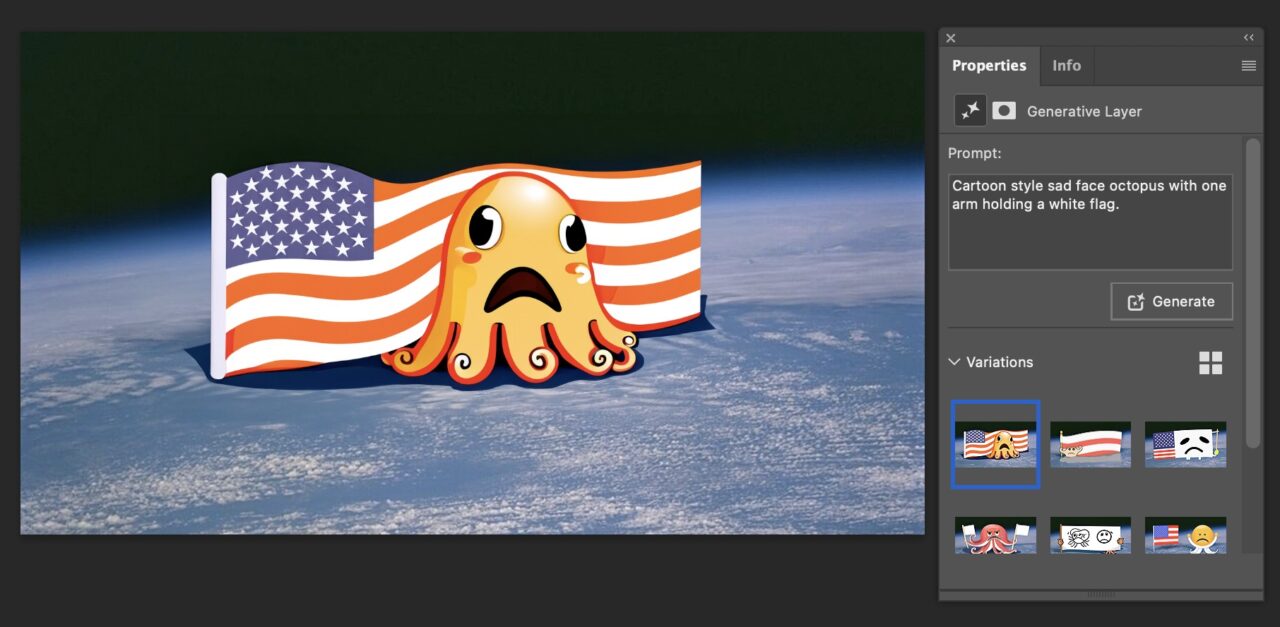
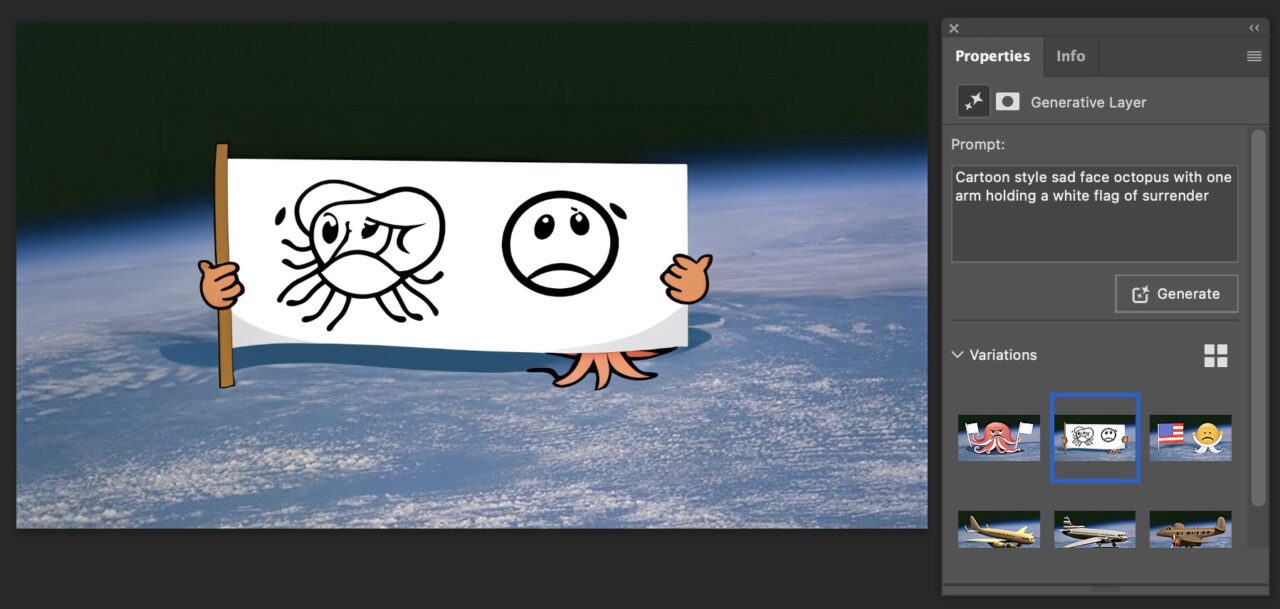
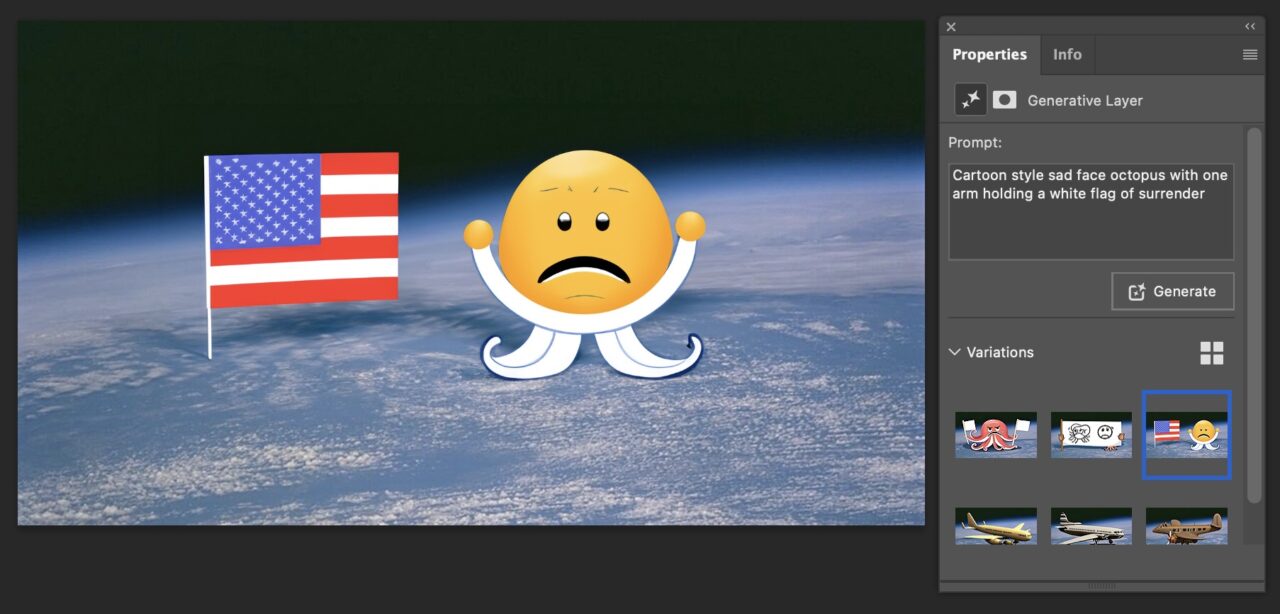
This indeed is within the reach of “intelligence”. Okay it wants to use national flags, let’s make it easier.
Surely Generative Fill can handle “Cartoon style octopus with one arm raised waving goodbye.” Yes I am calling it Shirley.
Nope.
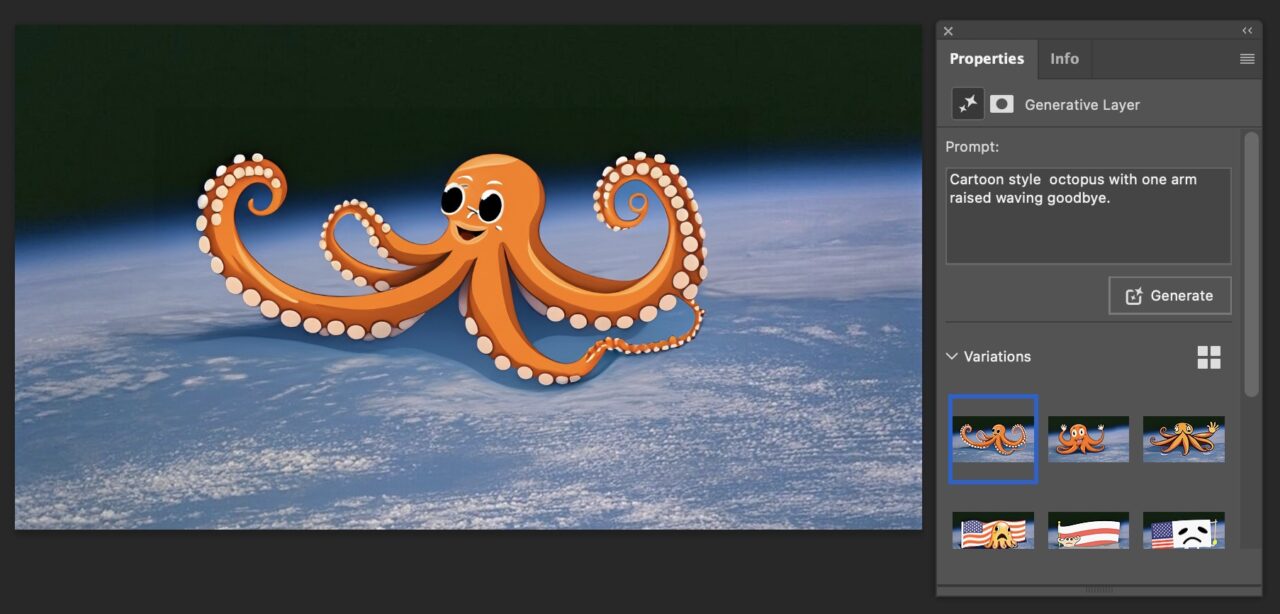
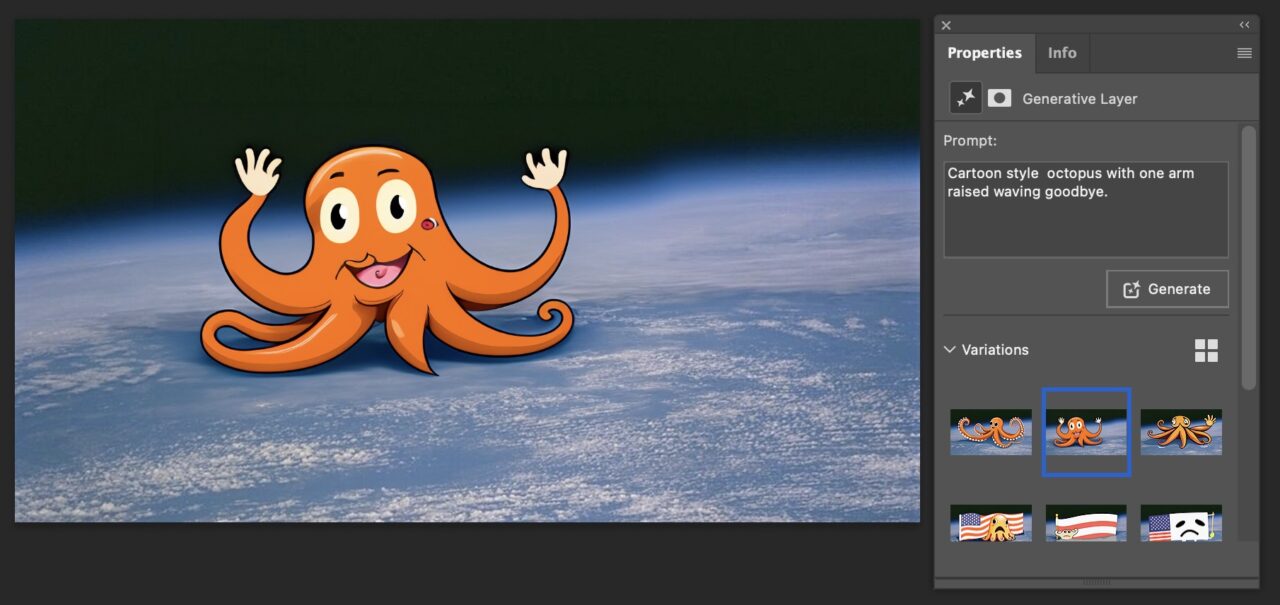
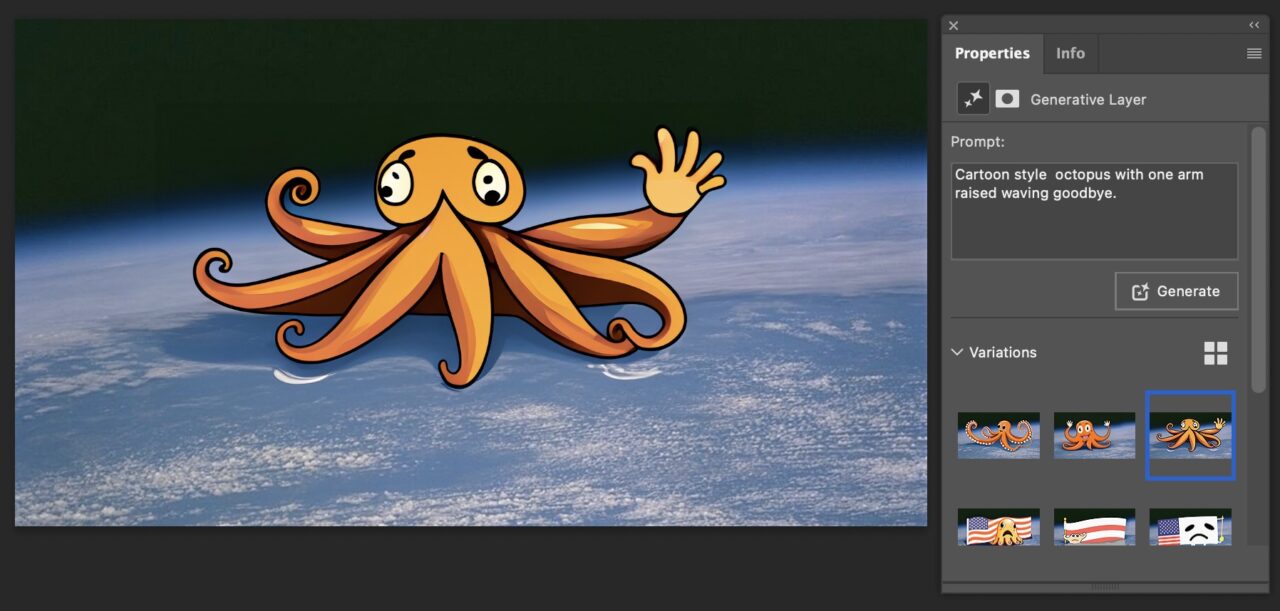
Compare this pile of poop to going about it my usual way, I will overlay a real photo of a real biplane, an open licensed photo from Wikimedia Commons. I did use the Photoshop feature to remove background (it missed parts through the wing supports, so I cleaned up in the mask layer.
Or for the other effort, it took about 3 minutes to find a public domain cartoon octopus from Free SVG as well as another one of a white flag.
Again, maybe its because I am not skilled or practiced in promptism. Again, I am more convinced I do not want to be.
So yes, Jim, I guess I am all in on this AI stuff, happy with it like a dog in space.
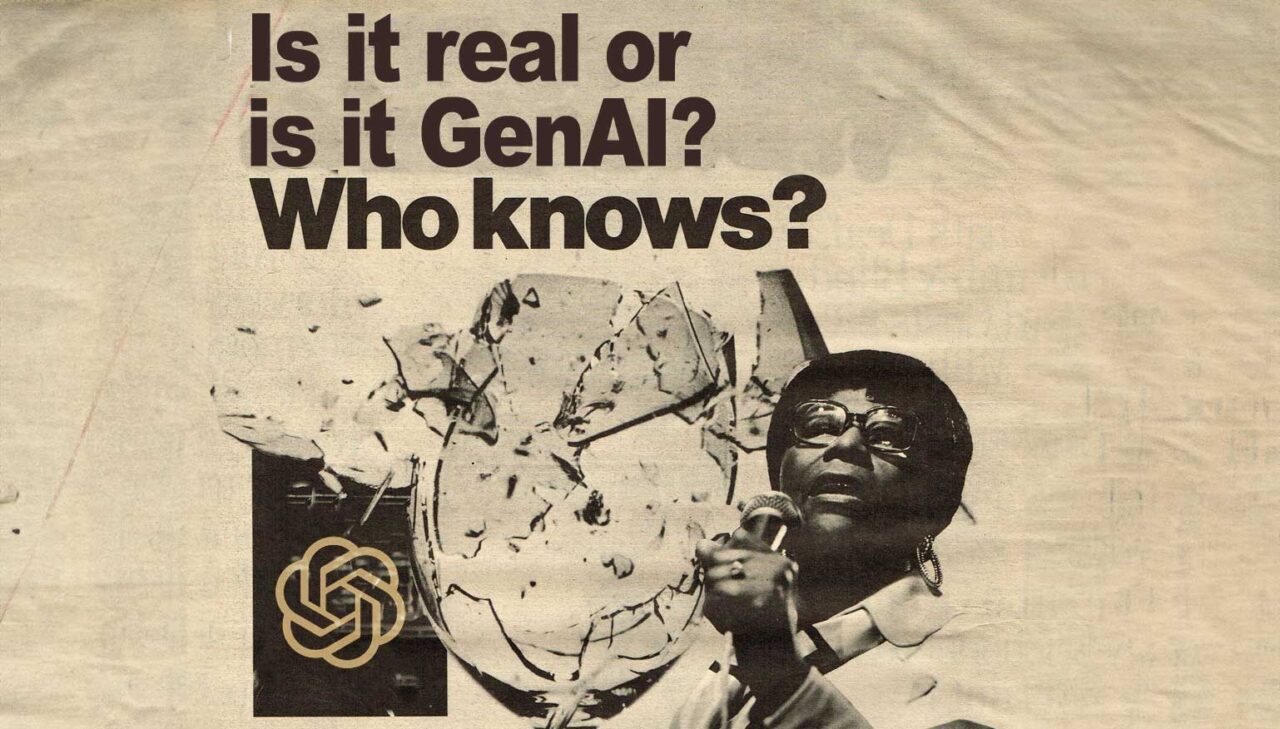
For image editing, its it real or is it GenAI? The shattering glass could be fake too, Ella.
PS
In blog hindsight and not knowing my blog until I search, I did post of early attempts at generative expansions in Photoshop in June 2023.
Featured Image: Based on Vintage Ad #1,863: Is it live or is it Memorex? flickr photo by jbcurio shared under a Creative Commons (BY-NC 2.0) license which I modified by cropping, using Photoshop to expand the background better to fit dimensions of a featured image. I clone brushed away the two lines of text and adding new text as well as the man’s face on the left, replacing the latter with an OpenAI logo.



I’ve had good success with the Adobe expand image stuff (in a variety of tools) but have been pretty disappointed in a lot of the “from scratch” generation you’re seeing with the plane/octopus. It has improved but it’s still far from as good as other options. Adobe Firefly is supposed to be trained only on licensed and public domain images so that’s a positive but it’s results have struggled vs other options. I think that the AI in Adobe tools is sometimes internal, sometimes external, and sometimes you can choose. So, the answer to everything is yes and no.
The tricky thing for me is that the AI use is a continuum (of tech, of usage, of terms, etc) with a lot of complex areas further complicated by marketing hype and weird societal issues. Is a mathematical expansion of an image (let’s call it machine learning or predictive modeling) more or less AI than a similar thing happening via an LLM? The words are failing us in a lots of ways. The concepts are strange and complex.
Does adding an object I took from another photo require more/less/same creativity than generating a similar object via AI? I an see how the former takes more skill or better tools or both. I can see how the search to find the photo might lead to other cool things. You and I have both experienced that many times- a bit like the serendipitous library stacks discovery. I like that and seeing other things may lead to other ideas or just entirely different thought vectors (with or without concept spaces) that impact the now or the future. I can also see expediency as a need in other cases and good enough is good enough.
Can I search for a visual metaphor for a post or be inspired by a photo I find to retroactively apply a visual metaphor? Sure. I’ve done both. I’m sure you have as well. Could I also prompt an AI for a visual metaphor that I can’t find (say a chef juggling lobsters)? I think so. I struggle to find the binary in most of these and also worry that results in me talking out of both sides of my mouth.
I’ll listen and read to any side of your mouth that shares ideas. Maybe it’s less about defining what is or what is not creativity. I know for me, like when I remixed the cover image of the Is it Real or Is it Memorex ad, it’s an enjoyable and fulfilling process to have a fuzzy idea in my brain and see how har I can go to make it happen in screen. It’s less about the end goal, but if that’s all you care about, you might was well let the machine spit something out for you. And as you said, there are things that happen in the brain in that cut, paste, mask, clone-brush process. I remember recording on memorex cassettes. I remember that TV commercial when Ella shattered the glass.
I’m also resonating about that ChatGPT assisted paper on the demise of the OER Foundation that described the impact of GenAI on OER:
What does it mean for AI collapsing discovery, synthesis, and visual creation into one interation? Perhaps it means not much for most folks.
I have a hard time understanding the image expansion of Photoshop as neural network processing, its just some kind of advanced sampling and replication one. But because they never provide anything close to an explanation, all I can do is make stuff up.
And even when you reach for the AI stuff, I still get a sense of “Tom-ness” in what comes out. Maybe its just wishful thinking, but I will take thaty over the opposite any day.