
Sadly link rot is a growth industry. Most every effort these days of looking things up to find references ends up with a visit to the Wayback Machine. If that is not in your web tool belt, you are missing out.
In combing through my own rubble pile of posts here, I nearly always come across dead links I feel obliged to fix with a wayback link, manually (the dead tweet embeds are hopeless). I have even added my own bit of CSS to make it clear a link is to an archive.
Heck, my original blog at Maricopa left a trail of dead links, so for an example, here is how your grandparents talked about RSS.
Who has time to fix all the dead links? At one time I played around with modifying a broken link checker WordPress plugin, that sort of worked, but still required finding the replacement archive link. I left this on the back back burner (aka I forgot about it).
That is until I read about the Internet Archive Wayback Machine Link Fixer
Internet Archive Wayback Machine Link Fixer is a WordPress plugin designed to combat link rot—the gradual decay of web links as pages are moved, changed, or taken down. It automatically scans your post content—on save and across existing posts—to detect outbound links. For each one, it checks the Internet Archive’s Wayback Machine for an archived version and creates a snapshot if one isn’t available.
When a linked page disappears, the plugin helps preserve your user experience by redirecting visitors to a reliable archived version. It also works proactively by archiving your own posts every time they’re updated, creating a consistent backup of your content’s history.
Protect your links, preserve your content, and automate the archiving process—all with minimal effort.
I’ve had it running a few weeks here, and it’s been quietly busy. At least I know I am responsible for adding some 30000+links to the web (?), the bulk of them already archived, but it looks like it has added a few hundred. All by itself.
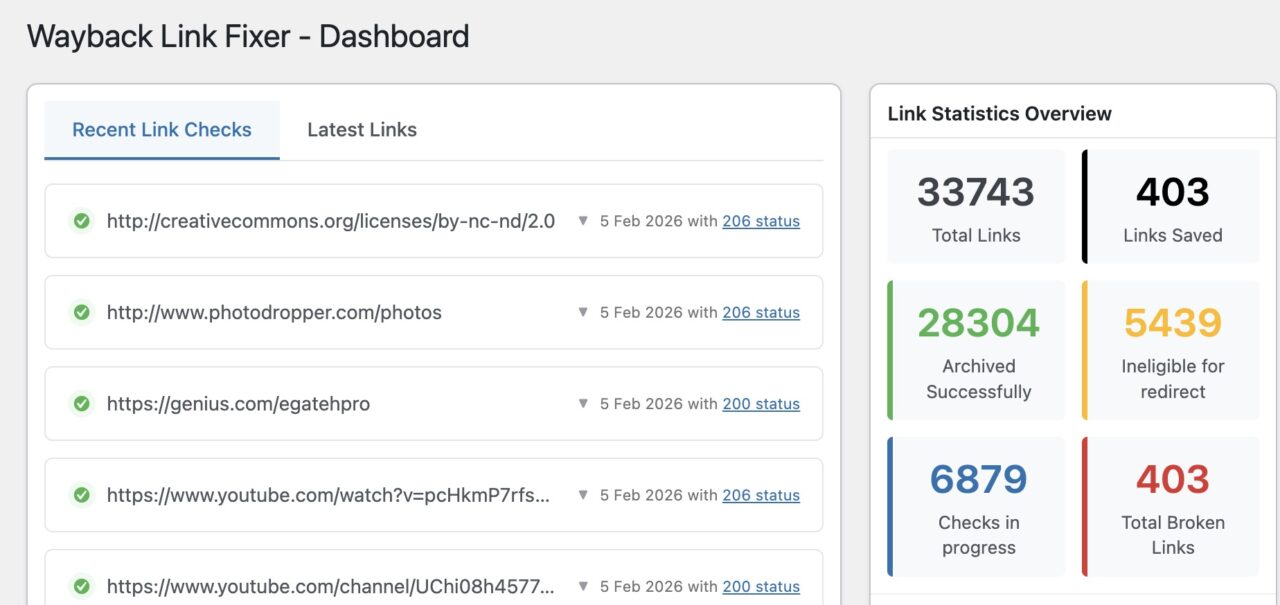
I did set the options for it to automatically update dead links with archived ones, but yesterday was the first time I checked.
If I look in at the list of Links, by setting the filter options for Show Broken Links and Show Links with Archived Links I think I confirm that it has automatically update 950 of my dead links.
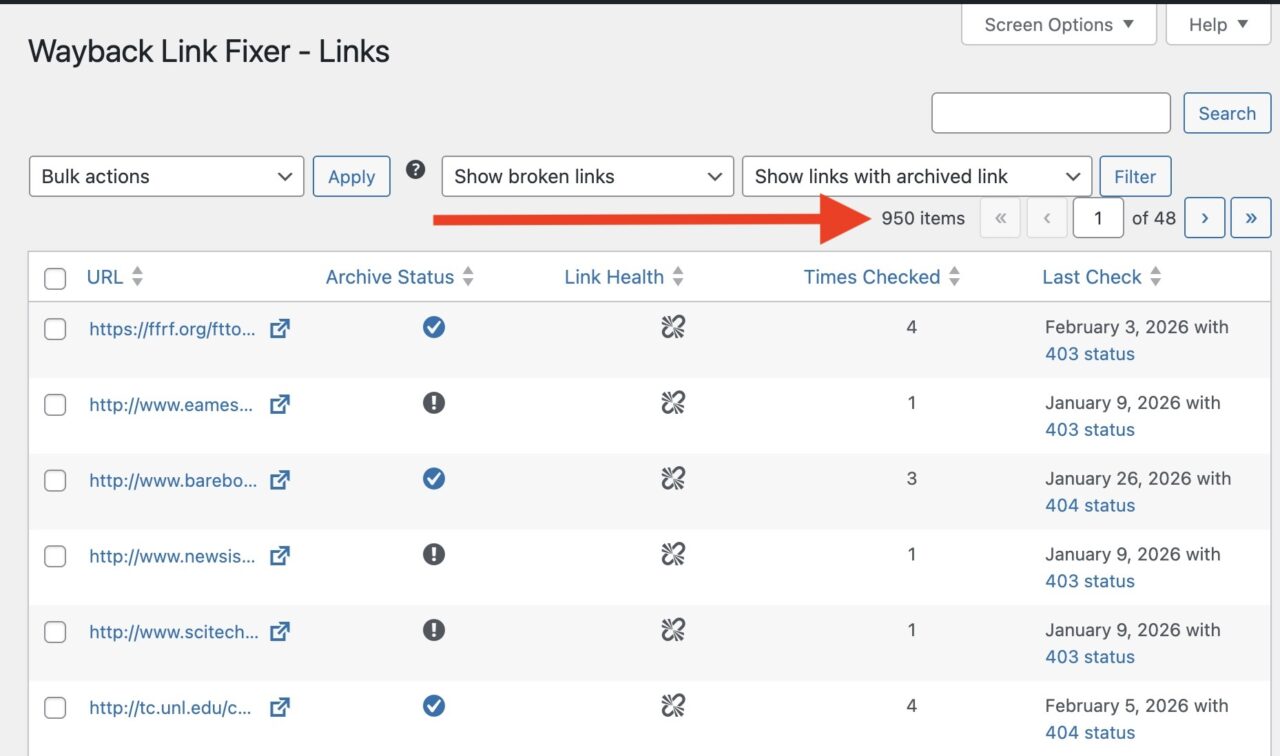
This is good. I was wondering how to I see the repairs? So my first foolish approach was to search my blof for said dead url, but in writing this post, I see I missed the obvious. If you click the link in the URL columns of the broken links, you get a full report.
Since I am on a Stephen Downes link run here, I see a detailed report for this URL reported broken http://www.downes.ca/cgi-bin/website/view.cgi?dbs=Article&key=1059503386
It has a ton of information! The most important is that it tracks the posts I have been linked out from.
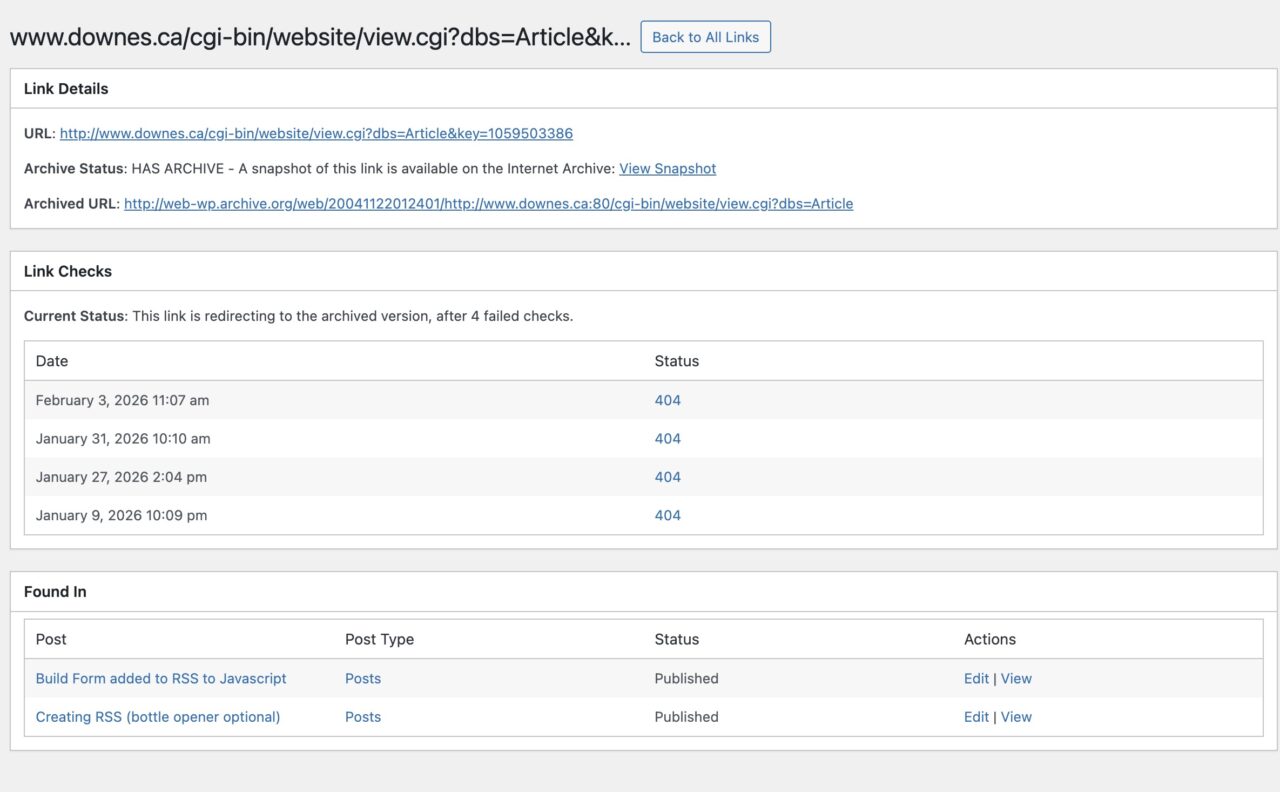
But when I looked at them yesterday, my CSS trick was not working, there was no archive logo. Only on inspection of the URL to I understand way. A normal wayback link starts with http://webarchive.org/web/ but apparently the plugin uses a different domain http://web-wp.archive.org/web/
This just means an addition to my janky CSS:
a[href*="web.archive.org/web"]:after, a[href*="web-wp.archive.org/web"]:after {
    content:url(https://cogdogblog.com/images/social/intenet-archive.svg);
    display:inline-block;
    margin-left:.25rem;
    width:.8em
}
And it works! Now my ancient post has been updated by the plugin to link to the archived version.
It also provides insight into links that are not dead, for example I can see that I have used the link netnarr.arganee.world/spine (which works and also has an archive link) in three different blog posts.
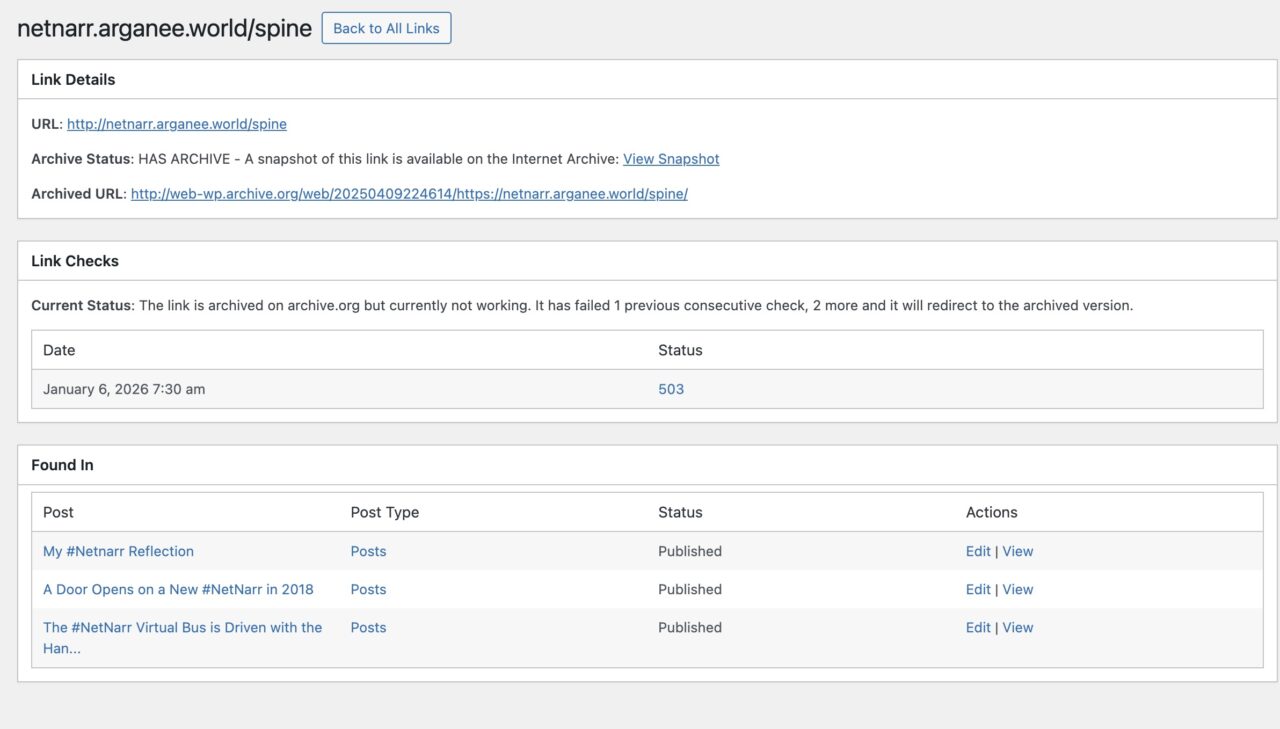
And now that I am writing a new post linking to it… update in the works.
The other thing it is doing as an ongoing basis is making sure my own URLs are archived. So it is beefing up the archive with my crufty posts. Archived!
From my limited use so far, there’s much to be said for this plugin. A small plug thus for the beleaguered WordPress which is still in my heart.
Welding the links!
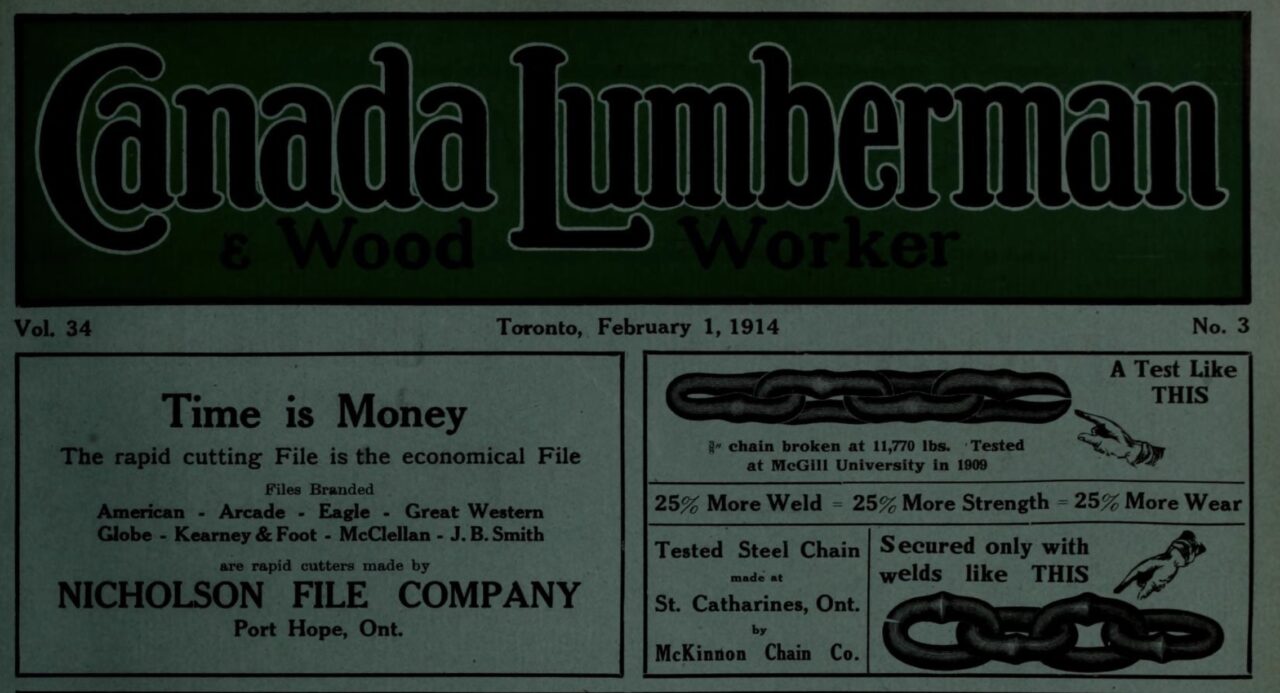
Featured Image: From Image from page 170 of “Canadian forest industries January-June 1914” (1914) flickr photo by Internet Archive Book Images shared into the public domain using Creative Commons Public Domain Dedication (CC0) a larger screenshot of the 1913 Canadian Lumberman page it is taken from.
 Share this barking on social media
Yow, that’s an old dead link!
I need something like this for my own database – I have posted some 38,000 links over the years in my newsletter, and many of them are dead. But I’d live to just add a link to the correct Wayback version, if it exists. I’m not using WordPress, tho…
@barking And kudos again to @activitypub.blog WordPress ActivityPub plugin.
After auto posting the new blog post, I noticed I forgot thee alt text on the featured image.
Added alt text to image in WordPress, updated post, and the Mastodon post is auto updated minutes later.
This is just a small example of how the fediverse works.
Remote Reply
Original Comment URL
Your Profile
Why do I need to enter my profile?
This site is part of the ⁂ open social web, a network of interconnected social platforms (like Mastodon, Pixelfed, Friendica, and others). Unlike centralized social media, your account lives on a platform of your choice, and you can interact with people across different platforms.
By entering your profile, we can send you to your account where you can complete this action.
Hot dog! I realize *I’m* on WP, so I can use and play with this, too! Installed, and will check it in a few days.
Thanks!
I love the CSS addition for noting which links are going to the Archive. I’m probably going to add it to the plugin itself. Thank you for the suggestion!
Wow, what an honor, Chuck. Please check my CSS, it may not be the most optimal way, but it works great on my blog. I love combing through old posts and noting how many links have been saved and reconnected with the plugin.