
Perhaps a bit inspired having just listened to Jim Groom’s edupunk presentation in Hamburg and his retelling of the ds106 ethos, I realize it’s been a while since I blog narrated the making of a digital remix.
This seems poignant given what passes for making digital images is not manipulating pixels and layers but typing into a box and doing the lift of clicking a button.
I’m also aiming to keep the blog muscles limber after some summer atrophy. Today’s challenge is I am in town for some errands with extra time, so I am seeing if I can blog via the JetPack app on a mobile.
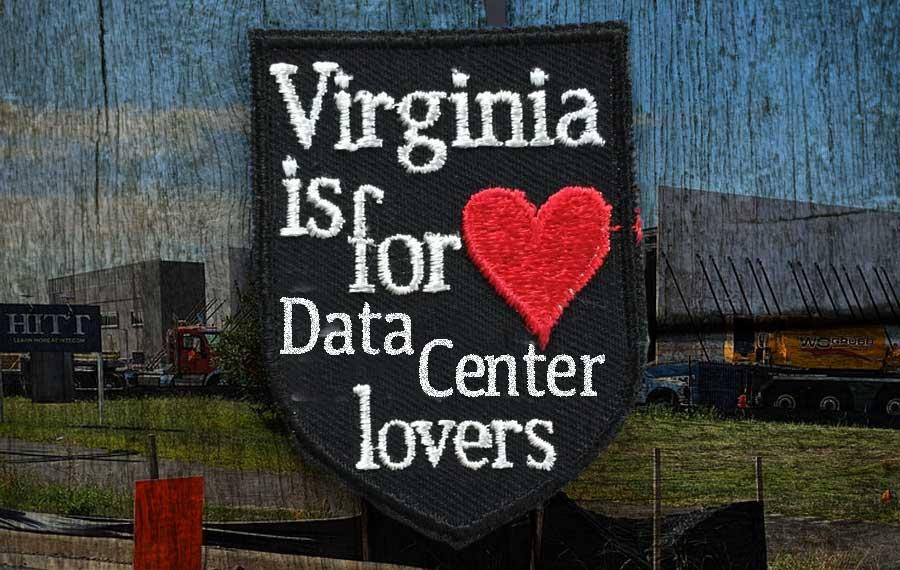
I’ll start with the end, same as the featured image on this post (hmm on the mobile can’t seem to find where to enter alt text, so it sits in the caption) (also for complaining, on mobile Mastodon app, an images alt text cannot be copied, so I’m forced to screenshot it and get the text out of the iOS photo editor).
Oh here’s the remix. Ooooh Ahhhh.
Where it Started
I read and enjoyed the soccer and bird photos from Tom Woodward (Virginia resident) noting in the first paragraph his comment.
Round one was a tournament in Norther VA which is really home of the massive data center. I should have done an entire photo series about those strange buildings standing amidst the strip malls which were former farms, which were former swamps.
My brain went to wondering and feeling confident that someone had already done a remix of the Virginia is for Lovers motto by inserting “Data Center” before the “Lovers.” But my minimal web search came up dry. I’m sure still it’s out there.
But I let it slide away. I had Other Stuff To Do.
Yet this morning I scanned in my email Bryan Alexander’s SubThing on American Opposition to AI Grows. At the top is a photo of a Data Center near Bryan’s home in northern Virginia.
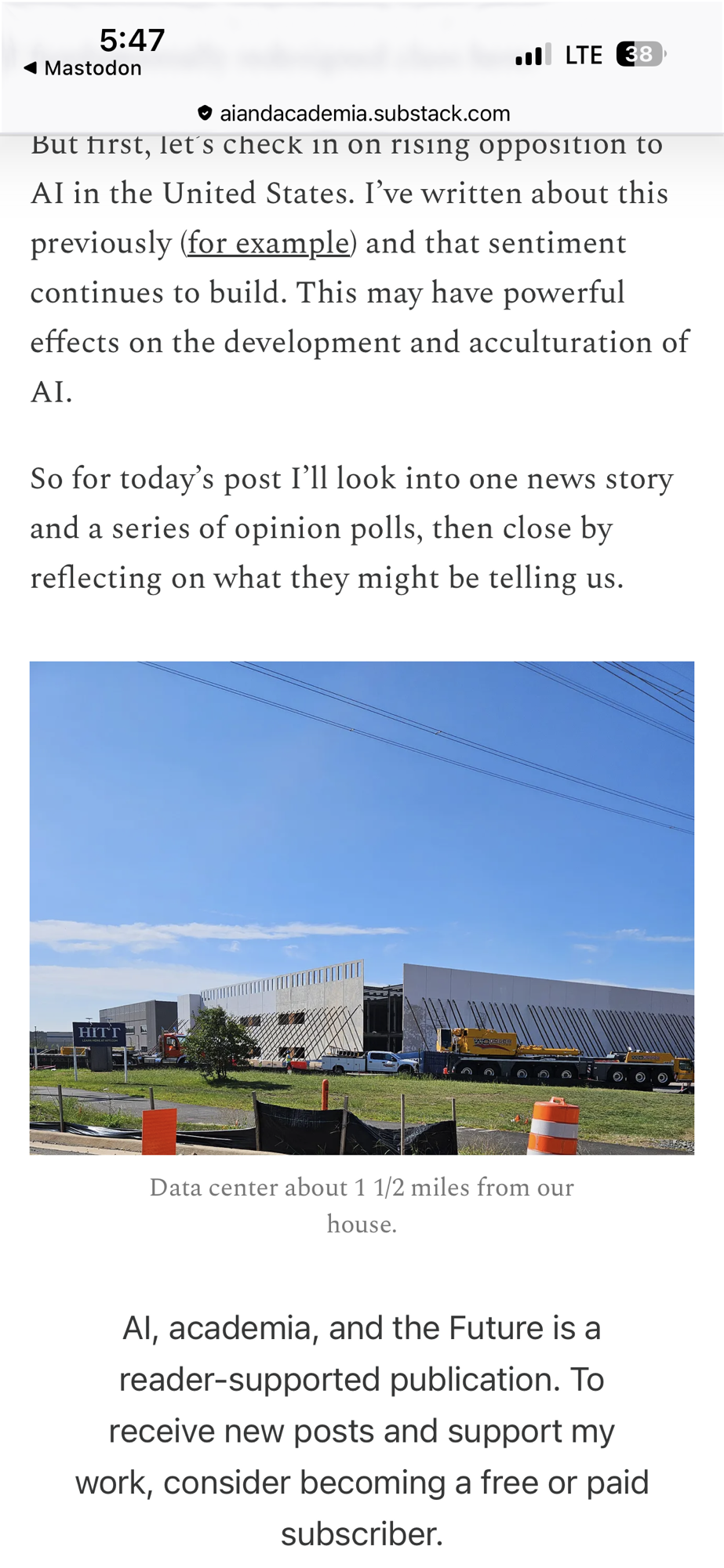
Two knocks on the door called for a remix.
Doing the Remix
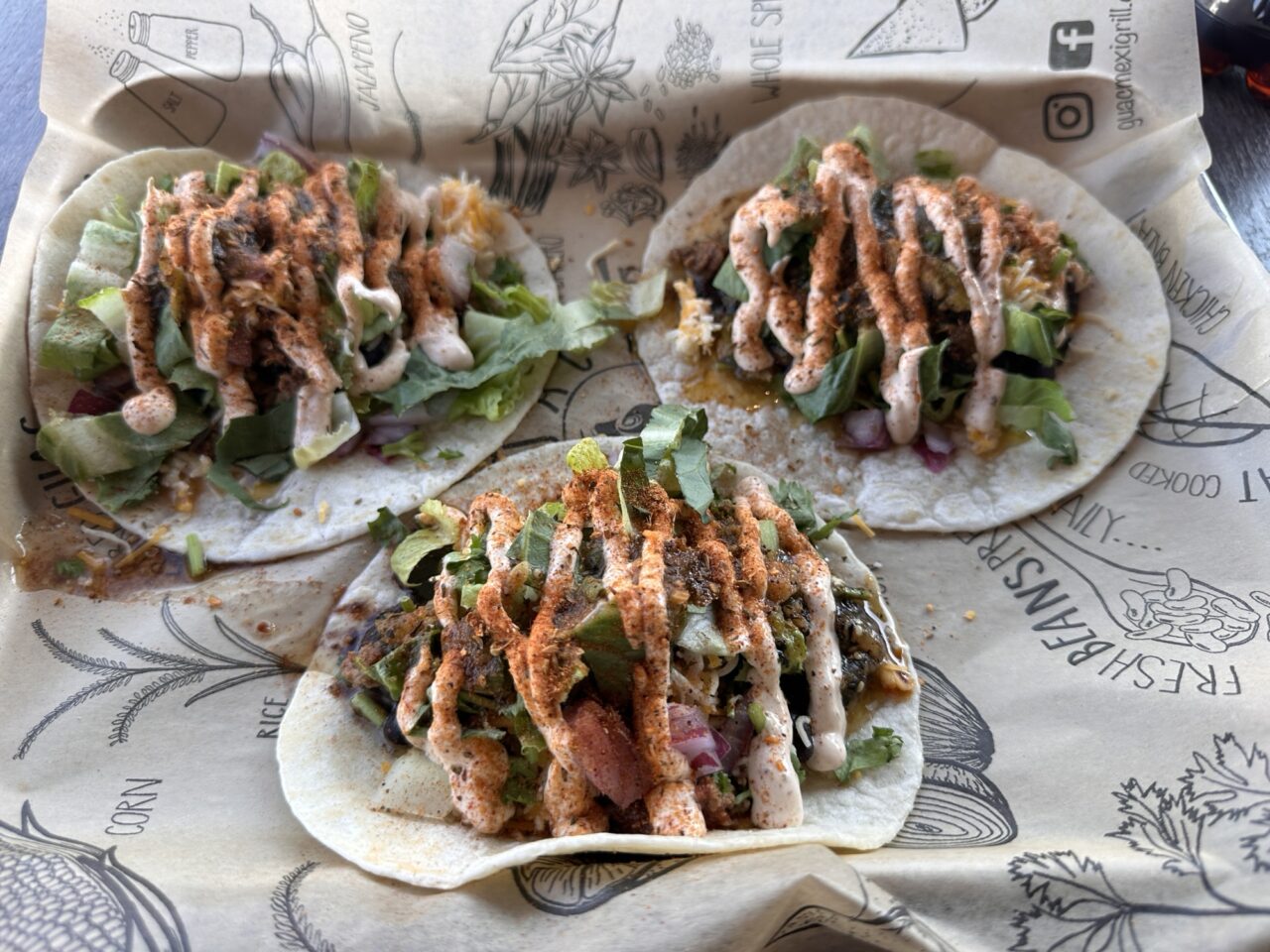
I likely won’t go into the usual gory detail as my fingers are tap tired and my tacos almost gone.
I did a google image search and spotted amongst the repeated design on billboards and tshirts and image of maybe a more vintage style patch with text that looked like it was sewed. And the necessary big red heart.
Okay I found it on an Etsy site and I am breaking copyright law openly here in the sake of parody. Send me letters if I go to jail.
I loaded it in PhotoShop and did a lasso select to copy the “Lovers” text to its own layer where I could shrink it and move lower to make room to insert my text.
To fill the hole, I used my favorite clone stamp to brush in the black background.
My approach for text is to choose a bright color like green and try some fonts and sizing to match the word Virginia. I forget the font, it’s an Apple serif, but some forced resizing got a good enough match. I change the text to Data Centers, resized and moved lower. It was still too big but first I matched the text color and gave it some rough texture with the dissolve layer style and adding some monochromatic noise.
This ended up rasterizing the text, but that’s okay, that let me move out the Centers to offset like the “is for” text.
Hmmm it’s a bit square. I do this often to make images stretch wider but expanding the Canvas. With the rectangle marquee tool I copy just the left edge of the wood over to the left edge and the same on the right.
And yes, I admit I use Generative Fill to make the wood stretch.
Now I want Bryan’s photo in there. I first use the Select Object on the patch, and then use the Paste Special – Behind to create a mask puts the image (in a higher layer) to look like it’s in the bs ground. I played with making bits ops Tory lighter, but one of the layer styles (screen?) worked better to make the photo look grainy.
Boom, that was it. It took maybe 30 minutes and was damn therapeutic to escape a spreadsheet that was giving me a headache.
Then it had to be shared for Bryan.
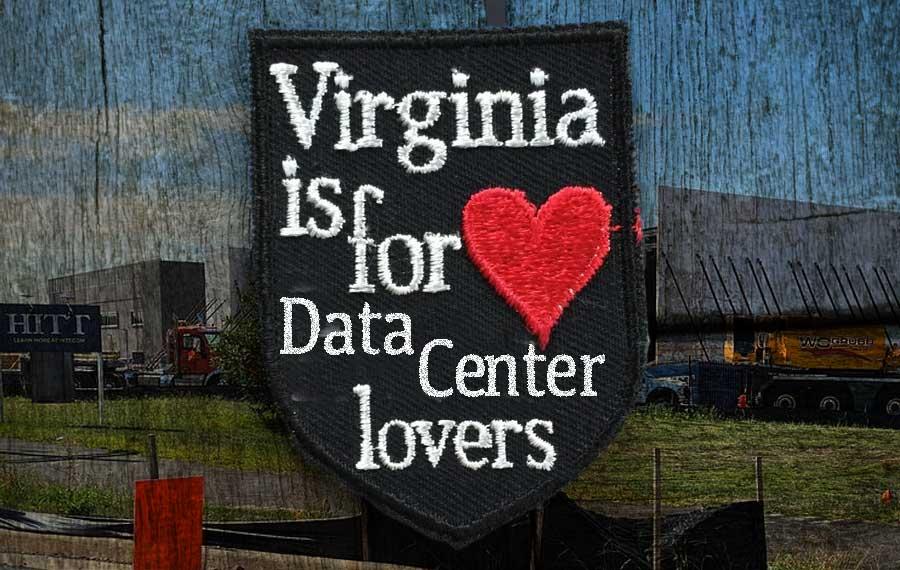
And there is an old school people hardly do this any more remix and the DS106 creaation narrative (ditto).
All done over Tacos.
There’s a blog post!
 Share this barking on social media
That makes a lot of sense, especially after hearing Groom talk about building on existing resources. It’s fascinating to see how those principles apply beyond just digital art.